Some links in this post are affiliate links. If you buy through them, I earn a small commission at no extra cost to you. I only list gear that's on my own gear page.
The built-in iPhone mic sounds fine up close. From more than a few feet away, it picks up the room more than the person, and cheap Amazon mics usually don't do much better. A wireless lav clips onto your shirt, right under your mouth, and fixes that.
Quick picks
- Best overall for most people, solo or with a guest: Hollyland Lark Max 2. Plug in the receiver and record in the iPhone Camera app.
- Best for two people with no receiver: RODE Wireless PRO. Two transmitters can pair straight to an iPhone inside the RODE Capture app.
- Best for pros / 32-bit float backup: DJI Mic 3. Each transmitter has 32GB of storage and can back up your audio in 32-bit float.
The four mics compared
| Mic | Works with iPhone Camera app | Bluetooth direct to iPhone | Transmitters | Internal recording | Best for |
|---|---|---|---|---|---|
| Hollyland Lark Max 2 | Yes, with the receiver | Check manufacturer | 2 in the kit, up to 4 on one receiver | 8GB per transmitter, 32-bit float | Most people |
| DJI Mic 2 | Check manufacturer | Yes, 1 transmitter, third-party apps | 2 in the kit | 8GB per transmitter, 32-bit float | A kit with both iPhone plugs in the box |
| DJI Mic 3 | Not over Bluetooth. With the receiver: check manufacturer | DJI lists it, 1 transmitter, third-party apps | 2 in the kit, up to 4 on one receiver | 32GB per transmitter, 32-bit float | Pros who want a long backup |
| RODE Wireless PRO | Yes, with the receiver | Yes, up to 2 transmitters, RODE Capture app only | 2 in the kit | 32GB per transmitter, 32-bit float | Two people, no receiver |
Shooting alone or with a guest?
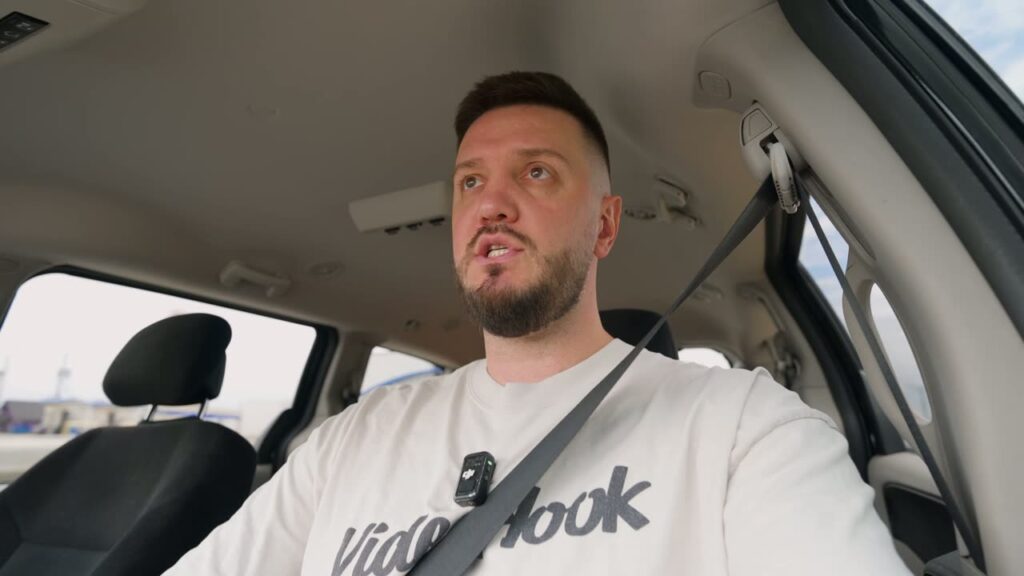
Shooting by yourself
Clip one transmitter to your shirt and keep the second one in the case as a spare. Best pick: Hollyland Lark Max 2. Plug in the receiver, open the Camera app, and record.
Two people: interviews and podcasts
Put one transmitter on each person. Both send to one receiver, so one iPhone can record both voices. Best pick: Hollyland Lark Max 2. If you don't want a receiver on the phone, get the RODE Wireless PRO, which connects two transmitters at once in the RODE Capture app. The DJI mics connect only one transmitter over Bluetooth, so for two people on DJI, use the receiver.
Three or four people
The Lark Max 2 and DJI Mic 3 can each link up to four transmitters to one receiver. The kits I link here include two, so you would need more. Hollyland also sells a four-person combo.
Hollyland Lark Max 2
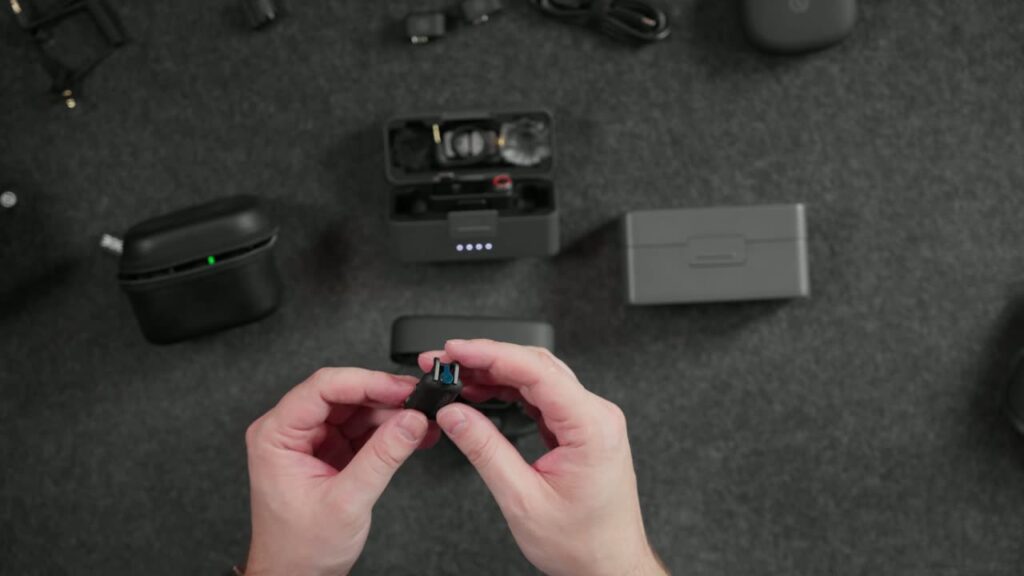
This is for someone who wants to plug something into an iPhone and start filming, with nothing to set up first.
- Hollyland lists it as plug and play on iPhone, and says you can start recording right away in your camera app.
- Each transmitter runs at least 11 hours with noise cancellation off, and up to 36 hours with the charging case.
- Noise cancellation is adjustable from 5dB to 25dB.
- Each transmitter records its own backup: 14 hours at 24-bit or 10 hours in 32-bit float.
Cons:
- Hollyland does not list a Bluetooth mode for connecting the transmitters straight to a phone, so plan on using the receiver.
- Wireless monitoring turns off if you run four transmitters on one receiver.
- 8GB of storage per transmitter is a quarter of what the DJI Mic 3 and RODE Wireless PRO have.
How it connects to iPhone: The receiver plugs into the phone. iPhone 15 and newer use a USB-C to USB-C connection, and iPhone 14 and older use a Lightning to USB-C cable.
I unboxed this kit in my Lark Max 2 Ultimate Combo post.
DJI Mic 2
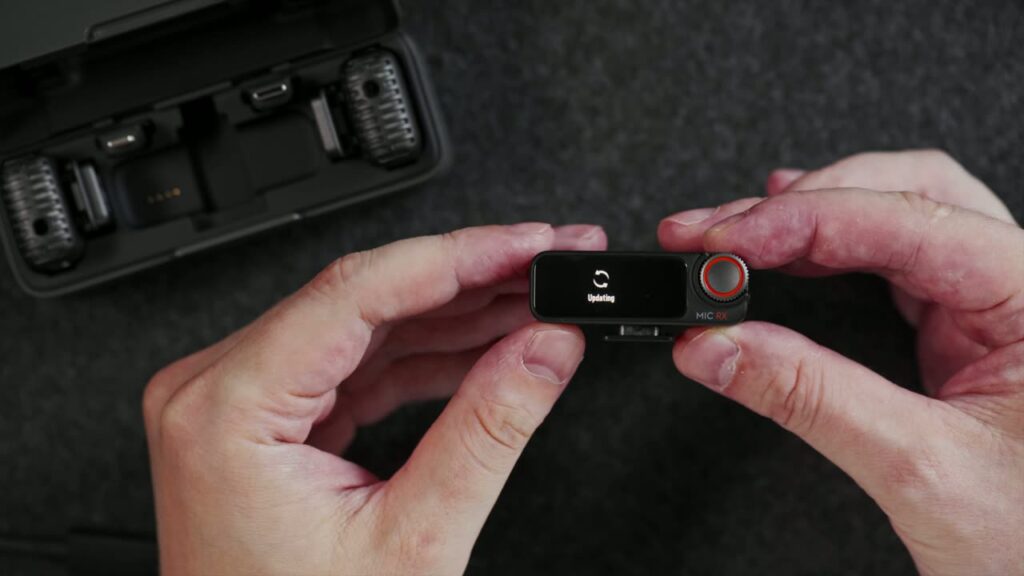
This is for someone who wants one kit that covers any iPhone, old or new, right out of the box.
- The box includes both a USB-C and a Lightning phone adapter.
- Each transmitter has 8GB of storage: up to 14 hours at 24-bit or 11 hours in 32-bit float.
- You can charge the phone and the receiver together through a charging cable.
Cons:
- Over Bluetooth, only one transmitter can connect to a phone, and DJI describes that mode as working with third-party video apps.
- Noise cancelling and internal recording are both off while a transmitter is connected to a phone over Bluetooth.
- Receiver gain is unavailable when the receiver is plugged into a phone through the adapter.
- DJI's pages don't say outright that the receiver works with the iPhone Camera app, so make a short test clip first.
How it connects to iPhone: Plug the receiver into the phone with the adapter that matches your port. You can also pair one transmitter over Bluetooth for use in third-party apps, but the receiver is the better choice on iPhone.
Check price on AmazonCheck price at B&H
More on this kit: 32-bit float on the DJI Mic 2.
DJI Mic 3
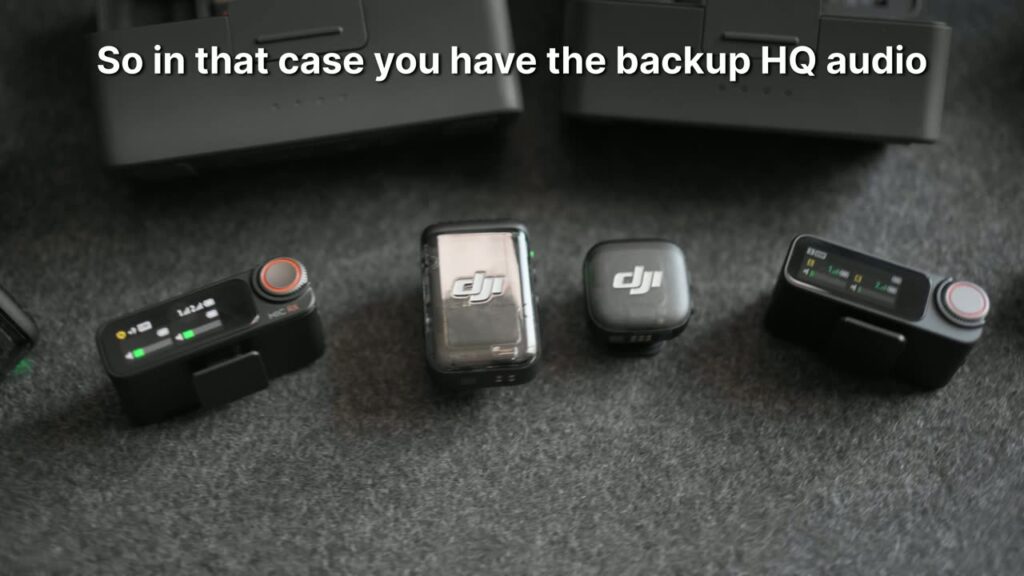
This is for someone who shoots paid work and wants a long safety recording on every take.
- Each transmitter has 32GB of built-in storage. DJI rates that at 57.3 hours at 24-bit or 43 hours in 32-bit float.
- One receiver can link with up to four transmitters.
- Range is up to 400 meters in open space.
- Transmitters run up to 8 hours and the receiver up to 10 hours under DJI's test conditions.
Cons:
- The Lightning phone adapter is sold separately, so iPhone 14 and older owners need to add it.
- Phone adapters from the DJI Mic, Mic 2 and Mic Mini don't work with it.
- DJI says Bluetooth only supports audio recording in third-party apps and is not compatible with the system camera.
- Only one transmitter can connect to a phone over Bluetooth.
How it connects to iPhone: DJI's FAQ lists both a phone adapter and direct Bluetooth, but reports on Bluetooth with iPhone are mixed, so use the receiver. Plug it in with the adapter that fits your phone and make a short test clip before the real shoot.
See it next to the older model in DJI Mic 3 vs Mic 2.
RODE Wireless PRO
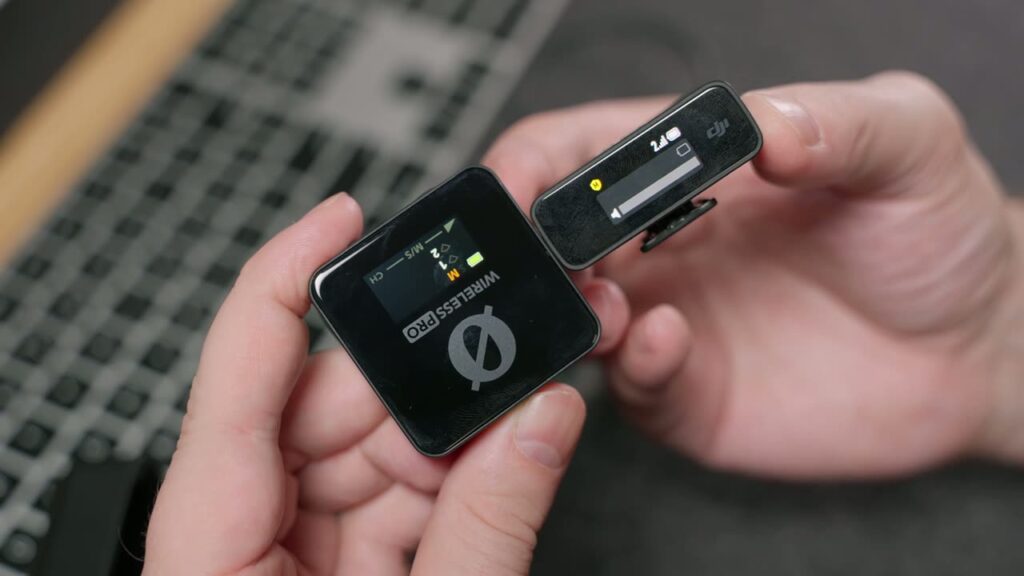
This is for two people filming with an iPhone who would rather not plug anything into the phone.
- Direct Connect pairs up to two transmitters straight to an iPhone over Bluetooth, with no receiver.
- Each transmitter has 32GB of memory, good for more than 40 hours.
- It records 32-bit float on board, which helps you recover clipped or quiet audio.
- The kit comes with two Lavalier II mics and a smart charging case.
Cons:
- Direct Connect only works inside the RODE Capture app. Any other app needs the receiver.
- RODE Capture is iOS only, and the Direct Connect firmware (2.0.8 or newer) must be installed with RODE Central on a Mac or PC first.
- Lightning iPhones need an MFi-certified cable, such as RODE's SC15, SC19 or SC21.
How it connects to iPhone: For the Camera app, connect the receiver to the phone with a USB cable. For no receiver at all, update the firmware, open RODE Capture, pick Direct Connect, and turn on only the transmitters.
Check price on AmazonCheck price at B&H
More on this kit: 32-bit float on the RODE Wireless PRO.
What is 32-bit float, and do you need it?
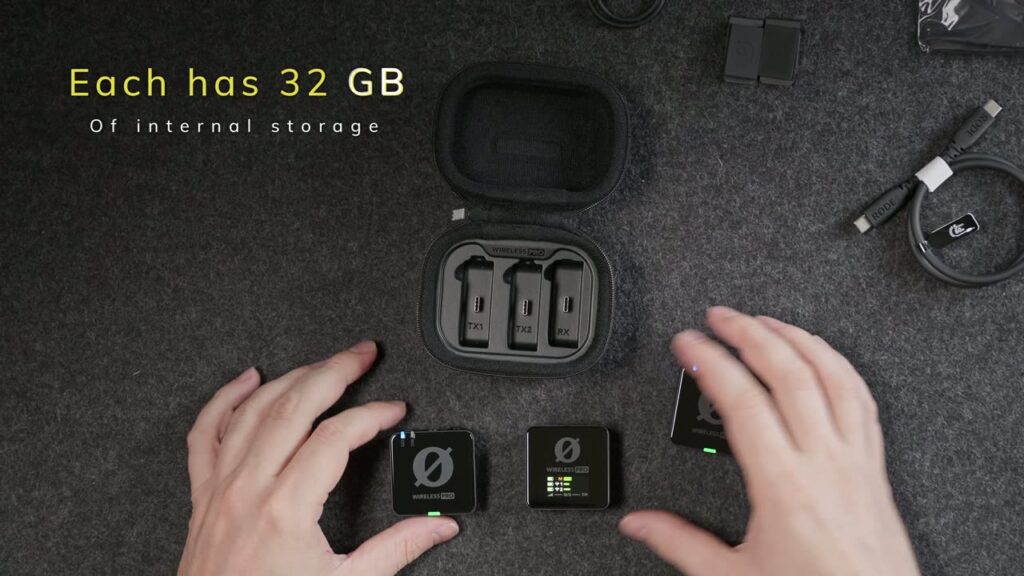
All four mics here can record 32-bit float. It is a backup file saved inside each transmitter, separate from the sound going to your iPhone. RODE says it lets you recover audio that clipped or came out too quiet.
To use it, copy the file from the transmitter to a computer and swap it in when you edit. If you post straight from your phone, you may never touch it. If the job is paid or can't be filmed twice, turn it on. For hours of recording, the DJI Mic 3 and RODE Wireless PRO lead with 32GB per transmitter.
Receiver vs Bluetooth: which should you use?
If you are not technical, use the receiver. It plugs into the phone, and you open the Camera app and record. Hollyland and RODE both list the Camera app as working this way.
Bluetooth direct mode sounds easier, but it comes with rules. DJI's Bluetooth mode is for third-party apps, and the Mic 3 guide says it does not work with the system camera. RODE's Direct Connect only works inside RODE Capture. So you would be filming in a different app, and that's one more thing to learn.
Whichever you pick, record a 20 second test before you film anything that matters.
Lightning or USB-C?
Check your phone before you buy. iPhone 15 and newer use USB-C. iPhone 14 and older use Lightning.
- Hollyland Lark Max 2: USB-C to USB-C on new iPhones, Lightning to USB-C cable on older ones.
- DJI Mic 2: both adapters come in the box.
- DJI Mic 3: USB-C adapter in the box, Lightning adapter sold separately.
- RODE Wireless PRO: any USB-C data cable on new iPhones, an MFi-certified cable on Lightning iPhones.
My recommendation
If you are a beginner filming on an iPhone, buy the Hollyland Lark Max 2. Hollyland says it's plug and play on iPhone, it works in the Camera app you already use, and there are two transmitters in the kit, so you are covered for an interview too.
FAQ
Can I use a wireless mic with the iPhone Camera app?
Yes, if the mic's receiver is plugged into the phone. Hollyland and RODE both list the Camera app. Bluetooth is different: DJI says the Mic 3 is not compatible with the system camera over Bluetooth, and RODE's Direct Connect only works in RODE Capture.
Do I need a receiver?
For the Camera app, yes. The RODE Wireless PRO and the DJI mics can skip the receiver over Bluetooth, but only in certain apps. For a beginner, the receiver is the simple choice.
Can two people use one kit?
Yes. All four kits here come with two transmitters. Over Bluetooth with no receiver, only the RODE Wireless PRO connects two at once. The DJI mics connect one at a time.
Will it work with an older iPhone?
Yes, with the right connection. iPhone 14 and older use Lightning. The DJI Mic 2 includes a Lightning adapter, the DJI Mic 3 adapter is sold separately, the Lark Max 2 uses a Lightning to USB-C cable, and the RODE needs an MFi-certified cable.
Want to see the rest of what I use? Here is my full gear list.